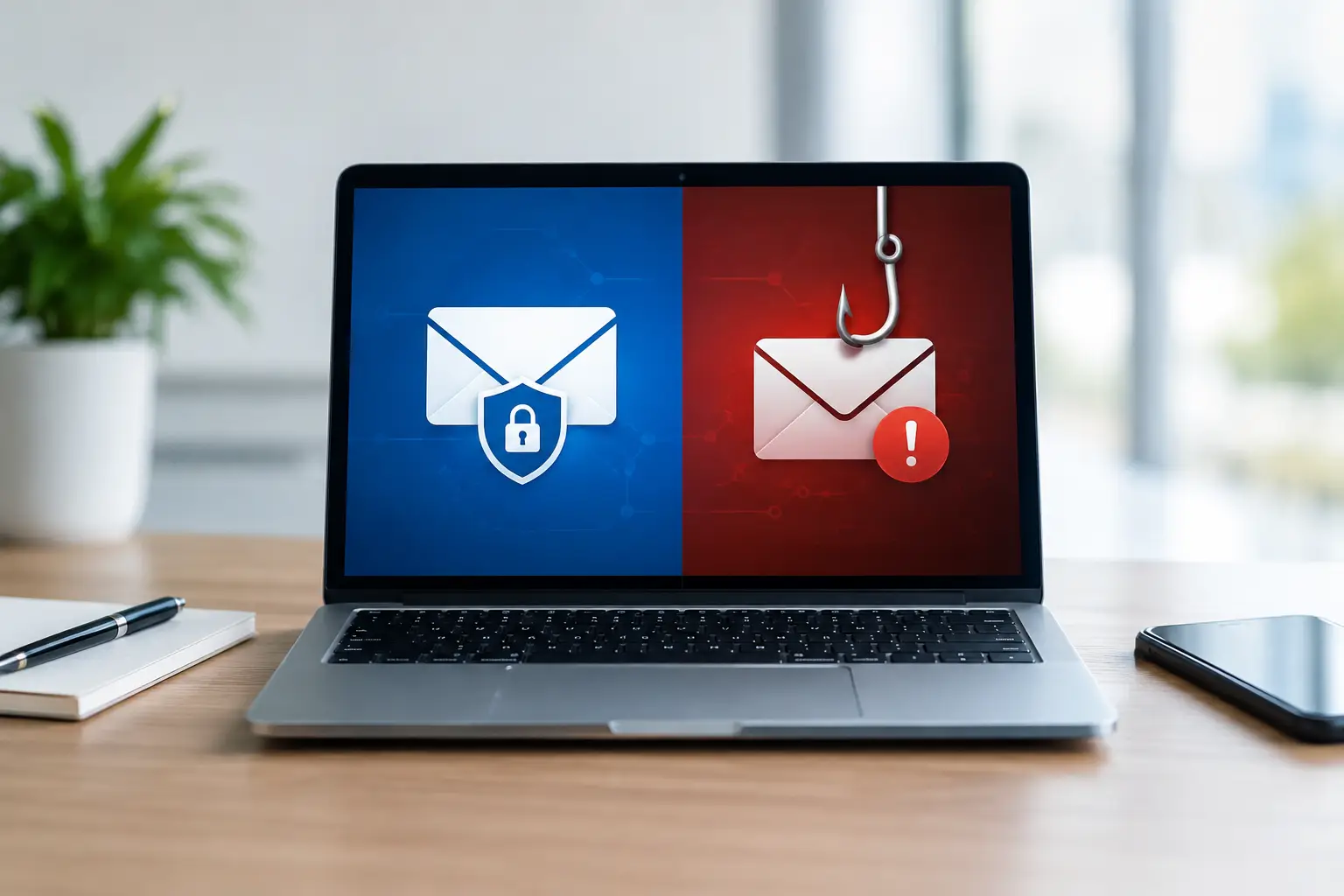
A fraudulent invoice reaches a finance colleague’s Microsoft 365 inbox. It passes an email gateway because the sender has a legitimate, recently compromised account and the message contains no obvious malicious attachment. The recipient spots an unusual payment request, reports it, and the security team finds 37 matching emails across the tenant. That sequence illustrates the central issue in email gateway vs phishing response: preventing threats at the perimeter matters, but it does not remove the need to detect, investigate and remediate the messages that get through.
For UK organisations with formal security responsibilities, this is not an either-or procurement choice. An email gateway and a phishing response capability address different points in the same attack lifecycle. Understanding those differences helps security leaders build a defensible control model, set realistic expectations and avoid leaving help desks or SOC teams to manage reported phishing through shared inboxes and manual searches.
Email gateway vs phishing response: the core difference
An email gateway is principally a preventative control. It assesses inbound and, in many cases, outbound messages before delivery, applying policy, reputation data, authentication checks, attachment analysis, URL inspection and content filtering. Its purpose is to reduce the volume of malicious and unwanted email that reaches users.
Phishing response is an operational capability that starts when a suspicious message has reached a mailbox or when an employee identifies a message that deserves scrutiny. It enables users to report it, gives analysts the context needed for phishing triage, supports investigation, and allows authorised teams to remove confirmed threats from other affected inboxes. It also produces intelligence that can improve controls, training and incident response.
The distinction matters because no gateway can reliably block every socially engineered message. Attackers adapt domains, infrastructure, wording and payloads. More significantly, business email compromise often uses legitimate accounts or carefully constructed messages with no technical indicator that a gateway can safely block. An over-aggressive gateway policy can create its own operational problem by quarantining genuine business correspondence, supplier communications or time-critical documents.
A gateway reduces exposure. Phishing response reduces the dwell time and business impact of threats that remain.
What an email gateway does well
A well-configured secure email gateway remains a necessary part of email security. It can stop high-volume commodity phishing, known malicious senders, impersonation attempts with clear indicators, bulk spam, harmful attachments and malicious links. It can also enforce email authentication policy and provide useful visibility into message flow.
For organisations operating Microsoft 365, native protection and supplementary email security controls can form an effective preventative layer when they are correctly configured, monitored and maintained. The quality of configuration is crucial. Safe Links, attachment detonation, anti-impersonation settings, domain protection, quarantine policies and reporting need to reflect the organisation’s risk appetite and operational requirements.
However, gateway efficacy is often assessed through blocked-message numbers alone. That can provide an incomplete picture. A low number of user-reported messages may mean the gateway is performing well, but it may also mean employees do not know how to report, do not trust the process, or believe nothing will happen after they do. Conversely, an increase in reporting is not automatically evidence of a worsening threat environment. It may show that reporting has become easier and security awareness is becoming an active security control.
Where gateway protection reaches its limit
A gateway makes a delivery-time decision with the evidence available at that moment. It cannot fully assess the business context known to a recipient: whether a request aligns with a supplier relationship, whether an executive’s normal communication style has changed, or whether a payment instruction contradicts an established process.
This is particularly relevant to credential phishing and business email compromise. A message may lead to a convincing counterfeit Microsoft 365 sign-in page hosted on recently created infrastructure. Alternatively, it may contain a benign-looking link that changes behaviour after delivery. In other cases, the message is simply a carefully worded request to alter bank details or purchase gift cards. The attacker’s objective is human action, not necessarily the delivery of detectable malware.
Gateway controls also have an unavoidable tuning trade-off. Tightening policies may catch more suspicious messages, but it can increase false positives and disrupt legitimate operations. Loosening policy reduces friction but leaves more work for users and response teams. This is not an argument against prevention. It is an argument for measuring the whole phishing defence process, rather than treating prevention as the final control.
What phishing response adds after delivery
Phishing response turns employees into a structured detection source. A visible reporting button in Outlook gives recipients a simple way to submit suspicious messages without forwarding them, opening a help desk ticket or trying to determine whether they have made a mistake. The report preserves the original message and its technical evidence for analysis.
A response platform can then support phishing triage by grouping similar reports, enriching them with threat intelligence, highlighting potentially malicious indicators and applying consistent classifications. Analysts can make faster, better evidenced decisions about whether a message is spam, malicious, benign or requires further investigation.
When a threat is confirmed, the operational value becomes clearer. The security team needs to establish who received it, whether anyone interacted with it, whether the sender has distributed related messages, and whether copies remain in users’ mailboxes. Remediation actions can remove or quarantine messages at scale, reducing the opportunity for a second recipient to click after the first report has been reviewed.
That workflow is materially different from asking an analyst to inspect every reported email manually and then use ad hoc Microsoft 365 searches to locate related messages. Manual processes can work for small volumes or isolated incidents. They become difficult to sustain when reporting participation grows, campaigns become more targeted, or analysts must evidence actions for audit and incident records.
Human reporting is not a replacement for technology
Some organisations frame the choice as technology versus awareness training. That is the wrong comparison. Employees should not be expected to act as a substitute for gateway controls, and awareness training should not imply that every recipient can accurately identify a sophisticated phishing attempt.
The practical aim is to make reporting easy, expected and useful. Simulated phishing training can help employees recognise common attack methods and reinforce the reporting process. Yet the best measure is not simply who failed a simulation. It is whether users report suspicious email promptly, whether those reports receive proportionate triage, and whether the organisation learns from the incidents it sees.
This creates a feedback loop. Real reported threats can identify departments being targeted, brands being impersonated, recurring supplier fraud themes and gaps in existing controls. Security teams can use that evidence to refine gateway policy, update user communications, strengthen business processes and focus training on relevant behaviours. That is human risk management grounded in the organisation’s actual threat data.
Choosing the right operating model
The appropriate balance depends on message volume, the maturity of the security team, regulatory obligations and the cost of a successful phishing incident. A large financial services business with a dedicated SOC may require integrated triage, automation, threat intelligence and formal remediation workflows. A local authority, school trust or mid-sized professional services firm may need a managed phishing response service because its internal team cannot provide continuous investigation.
In either case, several questions are more useful than asking which product category is best:
- Can employees report suspected phishing from the tools they use every day?
- Does the organisation have a defined process to triage reports within an appropriate timeframe?
- Can analysts identify all matching messages and remediate affected mailboxes quickly?
- Are outcomes recorded in a way that supports security governance, user education and control improvement?
If the answer to the first question is no, suspicious messages may remain unreported. If the answer to the next two is no, reports can become a queue rather than a response capability. If the final answer is no, the same attack patterns are likely to create repeat work.
A layered model for Microsoft 365 email protection
A mature approach combines preventative controls with detection and response. Microsoft 365 protection should be appropriately configured and reviewed, supported by an email gateway strategy where required. Users should have a clear Outlook reporting route. Reported messages should enter a triage process that can separate noise from genuine threats, investigate campaigns and coordinate remediation.
Ownership must also be explicit. The help desk may be the first contact point, but it should not have to make complex malicious-email determinations without escalation criteria and tooling. The SOC or security function needs visibility of material reports, while incident response teams need a route for cases involving credential compromise, fraud attempts or confirmed user interaction. Procurement decisions should therefore consider operating processes, implementation support and managed capability alongside licence features.
Wise Fish supports this lifecycle through specialist phishing protection, Cofense-led reporting and response capabilities, and UK-focused enablement for organisations and partners. The objective is not to replace preventative security, but to ensure that the messages which bypass it do not remain invisible or unresolved.
An email gateway can reduce the number of threats that arrive. A disciplined phishing response capability ensures that the threats which do arrive are reported, assessed and removed before they become a broader incident. That combination gives security teams a more realistic and measurable way to reduce email-borne risk.