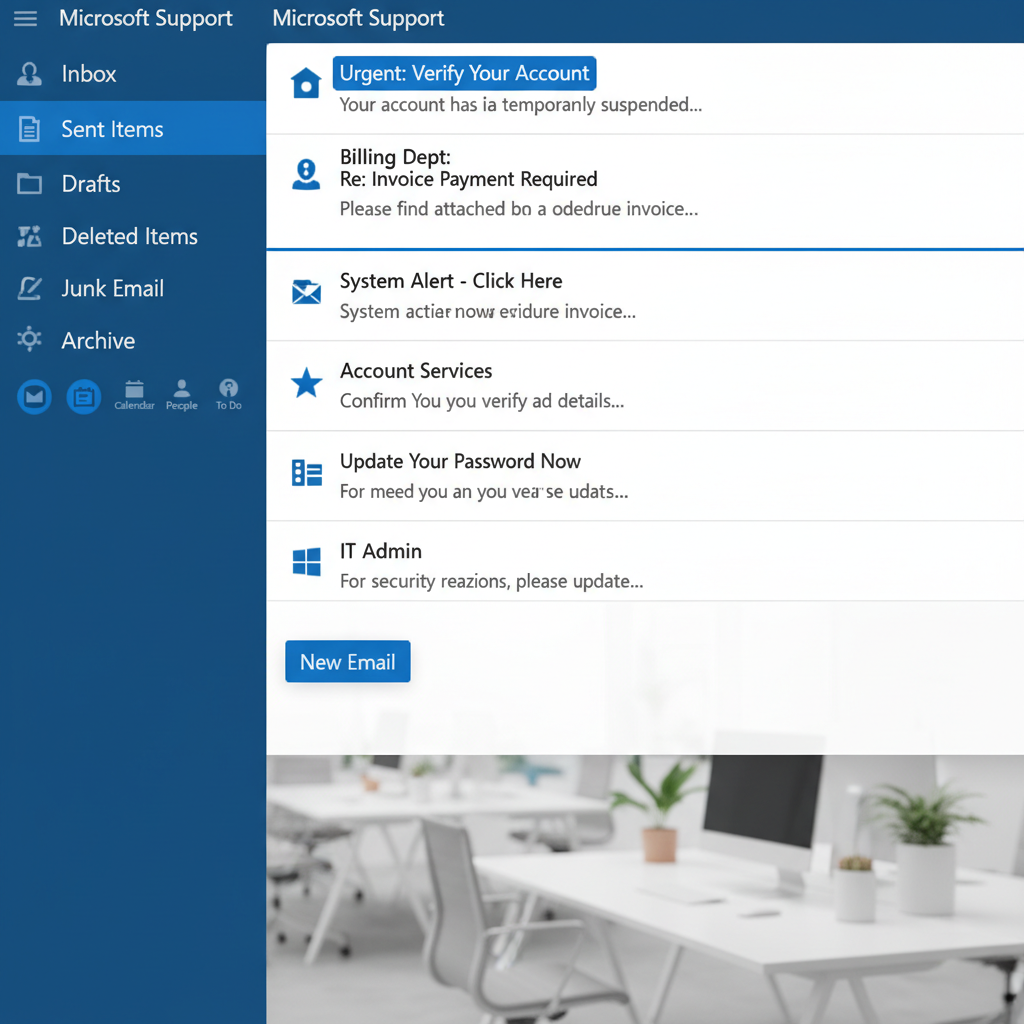
What Is Phishing Reporting?
Phishing reporting allows employees to flag suspicious emails directly from Outlook and Microsoft 365 using a single click. Reported emails feed into automated analysis, AI-powered triage, threat intelligence and remediation workflows, helping organisations detect and remove phishing attacks faster.
Illustrative figures. Actual results vary by environment and deployment.
Why Fast Phishing Reporting Matters
- Delayed detection
- Manual forwarding to IT
- Limited threat visibility
- Longer investigations
- Greater attacker dwell time
- One-click reporting
- Faster investigations
- AI-assisted triage
- Campaign detection
- Organisation-wide remediation
One-Click Reporting in Outlook
Outlook is a primary entry point for phishing attacks. A one-click reporting button lets employees flag suspicious emails directly from their inbox, no forwarding, no helpdesk tickets. Each report feeds straight into your security team's AI-powered threat triage workflow and into the global intelligence network, strengthening live detection for everyone.
Common threats reaching Outlook inboxes:
- Credential harvesting emails
- Fake Microsoft login pages
- Malicious SharePoint links
- Business email compromise
- Supplier impersonation
Microsoft Defender and Phishing Reporting Work Better Together
Phishing reporting complements Microsoft Defender by identifying attacks that successfully reach employee inboxes.
Microsoft Defender
- Blocks known threats
- Email filtering
- Malware detection
- URL protection
- Pre-delivery security
Cofense Reporting
- User reporting
- AI-powered triage
- Campaign detection
- Mailbox remediation
- Live threat intelligence
Employees Are Your First Detection Layer
Users often spot suspicious emails before automated controls do. When reporting is simple and fast, every employee becomes a detection sensor, feeding real threats directly to your SOC for triage.
Modern reporting transforms employees into active security contributors, providing intelligence that automated controls alone cannot generate.
Structured reporting helps teams:
- Identify threats faster
- Accelerate investigations
- Reduce exposure time
- Strengthen incident response
- Improve SOC visibility
From Inbox to Remediation in Five Steps
One-click reporting turns every employee into a detection sensor, feeding real threats straight to your SOC for triage and removal.
Spot
Employee identifies a suspicious email in Outlook
Report
One click flags it to the security team
Analyse
Automated analysis examines the submission
Triage
Security team investigates and validates the threat
Remediate
Threat removed from all affected mailboxes
Supporting Organisations, MSPs and Security Teams
Wise Fish deploys Cofense-powered reporting and response across the UK, with expertise in Microsoft 365 and enterprise email security.
We help organisations improve:
- Outlook reporting
- Threat visibility
- Response workflows
- Microsoft 365 defence
- Reporting programmes
- Investigation maturity
What we provide:
- UK Cofense distribution and enablement
- Microsoft 365 expertise
- Reporting consultancy
- Workflow guidance
- Support for MSPs and resellers
- Enterprise response support
Phishing Reporting Outlook FAQs
Deploy One-Click Phishing Reporting in Outlook
Speak with Wise Fish about deploying one-click phishing reporting across your Microsoft 365 environment, and give your team the reporting, AI-powered triage and autoquarantine capabilities they need.