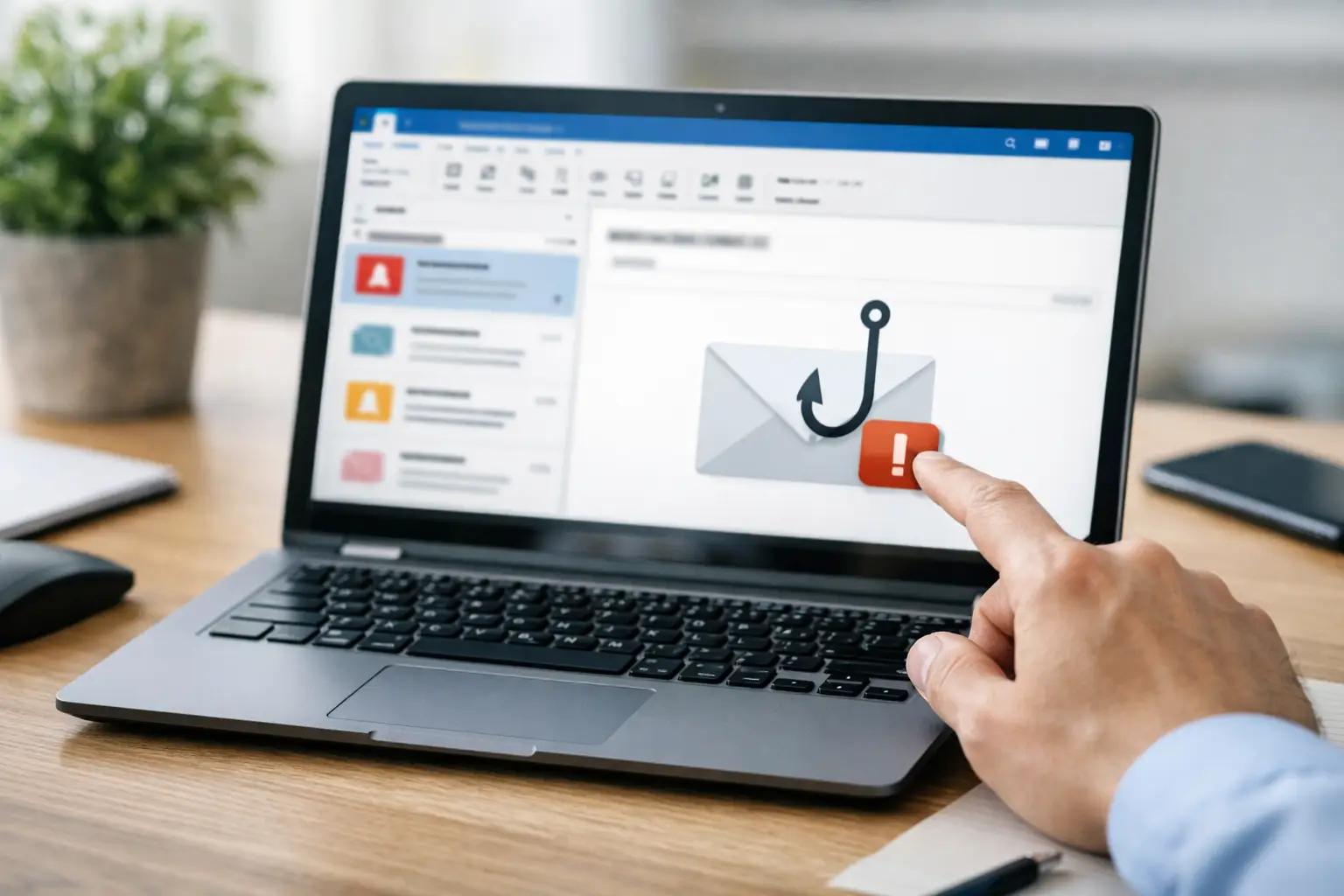
A convincing payment-request email can reach a finance team, be reported by one observant employee and still remain in dozens of other Microsoft 365 inboxes. That is why an outlook phishing reporting button should be treated as part of an operational response process, not simply a user-awareness feature. Its value lies in turning employee suspicion into actionable security data quickly enough to investigate, contain and remediate a threat.
For UK organisations with large Microsoft 365 estates, the reporting button is often the most visible part of a broader phishing defence workflow. Employees report. Security teams triage. Confirmed threats are investigated and removed. The findings then improve controls, training and threat intelligence.
What an Outlook phishing reporting button does
An Outlook reporting button gives users a straightforward way to submit a suspicious email without forwarding it, creating a help-desk ticket or deciding whether they have sufficient technical evidence. Depending on the configuration, the reported message and its metadata are sent to Microsoft or to a dedicated phishing reporting and response platform for analysis.
The practical benefit is speed and consistency. Users do not need to extract headers, describe why an email feels suspicious or know which security mailbox to use. The report preserves the original message for analysis and records a useful human signal: a recipient encountered something that bypassed technical controls and looked credible enough to warrant attention.
That distinction matters. Email security gateways, Microsoft 365 protection policies and authentication controls reduce exposure, but they cannot remove every business email compromise attempt, newly registered domain or supplier impersonation message. Human reporting provides a further detection layer at the point where an attack meets its intended target.
Reporting is only useful when triage follows
A reporting button can create more noise as well as more visibility. In a well-run programme, the question is not simply how many emails employees report. It is whether the organisation can classify reports promptly, identify genuine threats and close the loop with users.
A mature phishing triage process separates obvious spam and benign marketing from suspicious and malicious messages. Analysts need enough context to assess sender infrastructure, URLs, attachments, impersonated brands, mailbox targeting and any evidence of credential harvesting or financial fraud. Where a message is malicious, the team should establish who received it, whether anyone interacted with it and whether related emails remain in the environment.
This is where a standalone Outlook button and a managed reporting workflow differ significantly. A native reporting route can be appropriate for organisations that have the internal capacity to monitor submissions and investigate them consistently. However, it may be insufficient where a small security team is already managing alerts, user tickets and incident response, particularly outside normal working hours.
A dedicated platform can route reports into structured queues, enrich them with threat intelligence, support analyst verdicts and trigger remediation actions. The right approach depends on reporting volume, internal SOC capability, the sensitivity of the organisation's data and the consequences of delayed containment.
The user experience must be unambiguous
Employees should not have to choose between several overlapping options labelled junk, spam, report message and phishing. Clear configuration and communication reduce hesitation at the moment of reporting.
The button should be available where people work, including Outlook desktop, Outlook on the web and mobile clients where supported. It should also be clear what happens after a report is submitted. For example, does the message leave the user's inbox? Will they receive confirmation? Can they report simulations safely? These operational details affect adoption and trust.
Training should reinforce a simple decision: if an email is unexpected, unusual or asks for an unsafe action, report it. The objective is not to turn every employee into an analyst. It is to make reporting easier than clicking a link or replying to a suspected impersonator.
Using reported emails to contain threats
The most significant benefit of the Outlook phishing reporting button comes after a malicious verdict. A confirmed phishing email should initiate a measured response based on its risk, not remain as a closed ticket in a queue.
For credential phishing, this may involve identifying recipients, removing the message from relevant mailboxes, checking for clicks or credential submissions, resetting credentials where necessary and reviewing sign-in activity. For supplier or executive impersonation, the response may include warning relevant teams, inspecting ongoing email conversations and checking whether payment details or bank account changes have been acted upon.
Mailbox remediation is particularly important. A phishing email reported by one user may have reached hundreds of recipients, including people who have not yet opened their inbox. Removing known malicious messages across Microsoft 365 helps reduce the reliance on every individual recipient making the right judgement under pressure.
Automated remediation is not a substitute for analyst judgement. Overly broad search-and-delete actions can disrupt legitimate business communications when detection criteria are weak. The process needs appropriate approval, logging and exception handling, especially in regulated organisations. Yet when evidence is strong, rapid containment is normally preferable to a manual, mailbox-by-mailbox response.
Measure outcomes, not just report volumes
High reporting figures can indicate an engaged workforce, but they do not automatically demonstrate lower risk. A useful programme measures the quality and operational outcome of reporting alongside participation.
Security leaders should consider the proportion of reports classified as malicious or suspicious, average time to triage, time from verdict to remediation, repeat targeting patterns and the departments or user groups receiving higher-risk messages. These measures reveal whether attackers are changing tactics, whether controls are allowing particular threats through and where training needs to be more specific.
Feedback also matters. When users receive a short acknowledgement or appropriate outcome, they learn that reporting is worthwhile. When reports disappear into a black hole, participation declines. That feedback should be proportionate: security teams do not need to write an individual analysis for every newsletter or spam report, but users should see that the process is active and credible.
Simulated phishing training can use the same reporting behaviour as a positive measure. The aim should not be to catch people out. It is to build recognition, encourage prompt reporting and give security teams an accurate view of human risk across roles and departments.
Deployment considerations for Microsoft 365 teams
Before deploying an Outlook phishing reporting button, establish ownership. The Microsoft 365 team may manage the add-in and mail flow, while the SOC or security operations function owns triage and incident decisions. Help desk teams need clear guidance for user queries, and compliance stakeholders may need assurance about retention, audit evidence and the handling of reported content.
Configuration should also account for shared mailboxes, delegated access, mobile use and external users where applicable. Pilot the process with a representative set of users before an organisation-wide launch. This exposes gaps such as inconsistent button availability, unclear confirmation messages or reports landing in an unattended mailbox.
Finally, agree service expectations before encouraging large-scale reporting. If reports are reviewed only once per day, users and business leaders should understand the limitation. For organisations exposed to targeted fraud or operating critical services, a managed phishing response capability may provide the coverage and specialist triage needed to maintain a timely response.
Wise Fish supports this operational lifecycle through Cofense-led employee reporting, phishing triage, remediation and human risk management for Microsoft 365 environments. The technology matters, but the measurable protection outcome comes from connecting it to accountable people and repeatable processes.
A reporting button earns its place in Outlook when employees can use it without friction and security teams can turn their reports into faster, evidence-led action. That is how a simple click becomes a meaningful control against email-borne compromise.