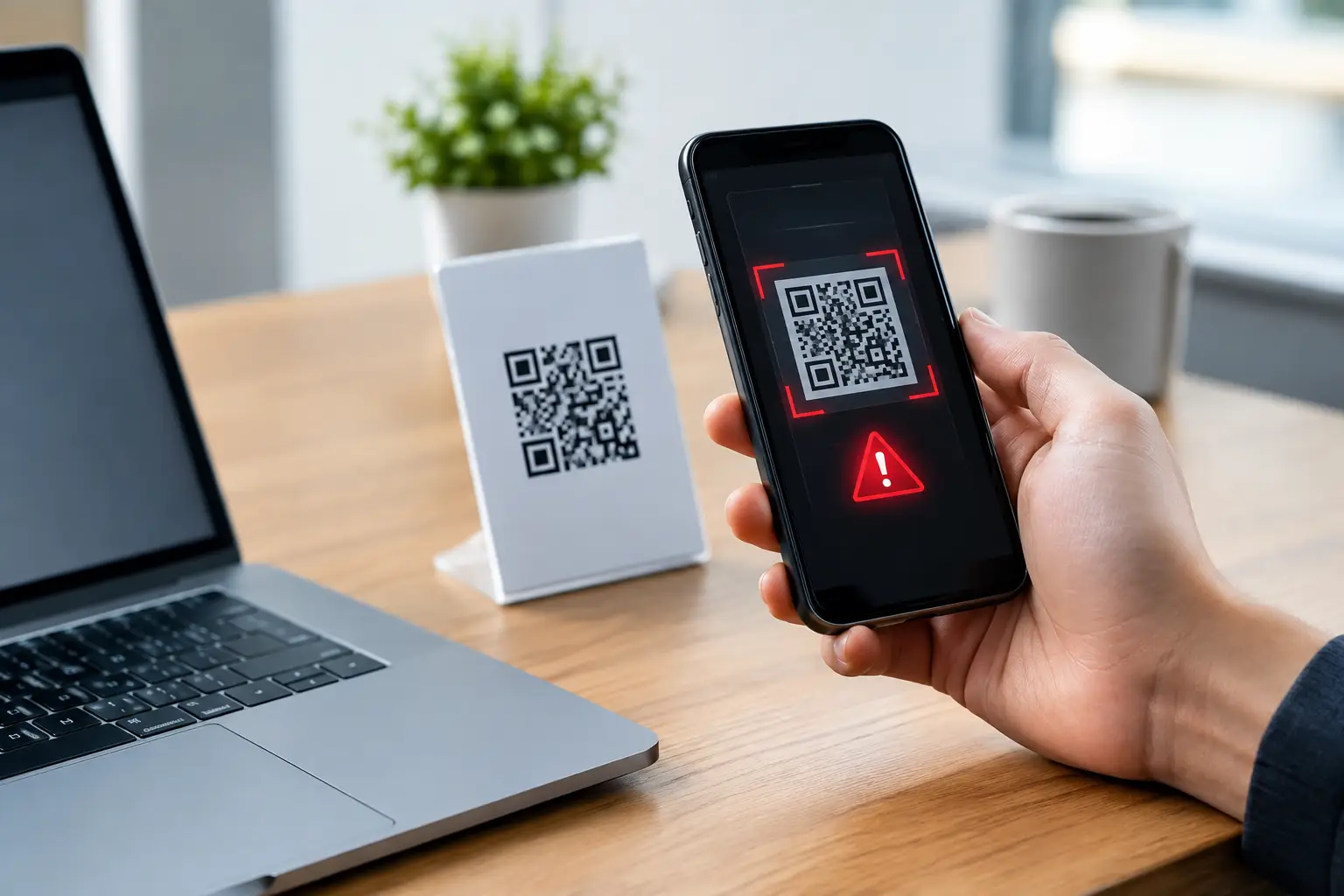
A QR code in an email footer, a meeting-room poster or a parcel notification can move a user from a well-protected corporate inbox to an attacker-controlled website in seconds. That shift is why QR code phishing trends deserve attention from security teams. The code itself is not malicious. The risk lies in what it hides: a destination that users cannot easily inspect before opening it, often on a personal or unmanaged mobile device.
For organisations running Microsoft 365, QR-led phishing is not a separate problem to solve in isolation. It is another delivery technique within the familiar phishing lifecycle: persuade a person to act, capture credentials or payment details, establish access, and exploit that access before detection and remediation catch up. Effective protection still depends on trained users, straightforward reporting, fast phishing triage and intelligence-led improvements to controls.
Why QR code phishing is proving effective
QR phishing, often called quishing, removes one of the cues employees have learned to assess. A conventional phishing email may contain a suspicious hyperlink that can be previewed, rewritten by a security service, or identified through link analysis. A QR code turns that destination into an image. The recipient is asked to scan it rather than click it, moving the decision point from the managed workstation to a phone.
Attackers commonly present the code as a practical convenience. It may be positioned as the way to view a secure document, reauthenticate an account, receive a voicemail, approve a Microsoft 365 session, update a password, or access an HR record. The message is usually short and designed to create urgency without giving the recipient much content to scrutinise.
This approach also exploits normal working habits. Employees use phones to access shared workspaces, confirm multi-factor authentication prompts and manage travel, deliveries and facilities requests. A message asking them to scan a code can feel routine, particularly when it imitates a trusted supplier or internal function.
The technical trade-off matters. Image analysis, URL extraction and email filtering can identify many QR-based threats, but no control will reliably stop every novel image, compromised legitimate sender or socially engineered request. A mature programme therefore treats employee reporting as a detection capability, not simply an awareness outcome.
QR code phishing trends changing the attack path
QR codes embedded in trusted-looking documents
One common pattern is a simple email with an attached PDF, image or HTML file containing a QR code. The attachment may appear to be a secure-message notification, invoice, payroll document or shared file alert. Placing the code inside a document can reduce the amount of suspicious content visible in the email body and create another layer for security tooling and users to assess.
Campaigns may also use legitimate cloud services to host documents or redirect users through trusted domains before sending them to a credential-harvesting page. The presence of a recognised service is not proof that the request is safe. Security teams need to assess the full chain: sender, context, attachment, encoded destination, landing page and any follow-on activity.
Microsoft 365 credential theft on mobile devices
Microsoft 365 credentials remain a high-value target because they can provide access to email, files, collaboration platforms and internal business processes. QR phishing pages frequently imitate Microsoft sign-in journeys, including branding, account selection and multi-factor authentication prompts.
Mobile screens make careful inspection harder. Browser address bars are less prominent, page content is compressed, and users may be switching quickly between a computer and phone to complete what they believe is a legitimate task. Attackers can take advantage of this split-device workflow to capture passwords, session tokens or authentication approvals.
This does not mean every QR code should be banned. Many organisations use them legitimately for visitor management, training, equipment records and internal communications. The appropriate control depends on the organisation's use cases and risk appetite. What matters is that users understand an unexpected QR code in an email is a request to leave the normal security context, and should be treated with the same caution as an unexpected sign-in link.
Business process fraud, not just account compromise
The most damaging campaigns are not always focused on passwords. A QR code can direct a recipient to a fake payment portal, a form seeking bank details, or a counterfeit supplier update page. In finance, legal and procurement functions, this can be the first stage of invoice fraud or a broader business email compromise attempt.
Attackers increasingly tailor lures to organisational roles. A generic employee may receive a fake benefits update, while an accounts-payable colleague receives a payment approval request and an executive assistant receives a message about a secure document. Role-specific simulation and targeted awareness can help, provided it is used to improve behaviour and reporting rather than to catch people out.
What strong operational protection looks like
A useful response begins before a user scans anything. Microsoft 365 protection should apply anti-phishing, attachment and URL controls consistently, while email security teams monitor for image-based lures, unusual sender behaviour and campaign patterns. Where QR codes are extracted from messages, their destinations should be analysed with the same discipline applied to conventional URLs.
However, prevention controls need a reliable route for the messages that arrive. Users should be able to report suspicious emails directly from Outlook with minimal effort. The reporting process must work even when the code has not been scanned and even if a recipient only has a concern about context, sender or wording. That early signal can reveal a campaign before a landing page is widely accessed.
Triage must establish scope quickly
When a QR-phishing report reaches the security team, triage should answer practical questions. Is the message malicious, suspicious or legitimate? What URL or redirect chain does the code contain? Who received it, who opened it and who may have scanned it? Does the sender, subject line, attachment or QR image appear elsewhere in the tenant?
The distinction between a single suspicious message and an active campaign is critical. Manual investigation can be adequate for a small number of reports, but it becomes a bottleneck when a campaign reaches hundreds of mailboxes. Automated enrichment, mailbox search and prioritisation allow analysts to focus on genuine risk and response decisions.
If credential capture is confirmed or likely, incident response must extend beyond deleting the original email. Teams may need to revoke active sessions, reset credentials, review authentication activity, check mailbox rules and investigate access to sensitive data. The required actions depend on evidence, user role and the organisation's authentication architecture. Treating every report identically wastes time; treating a confirmed compromise as merely an email-clean-up task creates avoidable exposure.
Remediation should reach every affected inbox
A phishing response is incomplete if the reported message disappears only from one employee's inbox. Security teams need the ability to identify related messages across Microsoft 365 and remove them at scale, including from folders where users may have moved them. Follow-up communication should be proportionate: alert affected users when there is a credible need to change passwords, review authentication prompts or report suspicious activity.
This is where real incident data strengthens human risk management. Repeated reports about QR lures may indicate a need to update training, refine mail controls or communicate a specific business-process warning. Conversely, a high volume of false-positive reports can show that users are engaged, but may need clearer guidance on the organisation's legitimate use of QR codes.
Training that helps users make the right decision
Awareness messaging should avoid simplistic rules such as never scan a QR code. Employees will quickly find legitimate exceptions, and the rule will lose credibility. A more useful instruction is to pause when an unexpected email asks them to scan a code, especially when it involves signing in, payment, document access or urgency.
Training should explain the safer alternative: access the service through the normal app, bookmarked portal or known website instead of following the code. If the request appears to come from a colleague or supplier, verify it through an established channel rather than replying to the suspicious message. If in doubt, report it.
Simulated phishing can test these behaviours, but the scenario must reflect the organisation's environment and should feed directly into support and improvement. A generic simulation may measure click or scan rates; a well-run programme also measures reporting speed, reporting quality, repeat exposure and whether security operations can respond at scale.
Build QR phishing into the wider reporting and response programme
QR codes are likely to remain useful to legitimate organisations and attractive to attackers because they bridge physical and digital activity. The operational question is not whether a security product can recognise every code. It is whether the organisation can detect a suspicious campaign early, understand its reach, contain the threat and turn the evidence into better protection.
For UK organisations with formal security and compliance responsibilities, that requires clear ownership between Microsoft 365 administrators, help desks, security operations and incident response teams. Wise Fish supports this lifecycle through specialist phishing protection, employee reporting, triage and remediation capabilities, helping teams move from isolated email alerts to measurable response outcomes.
The next QR-phishing campaign may look like a routine request to scan a code. Give employees an easy way to question it, and give analysts the evidence and authority to act before that routine request becomes an account compromise.