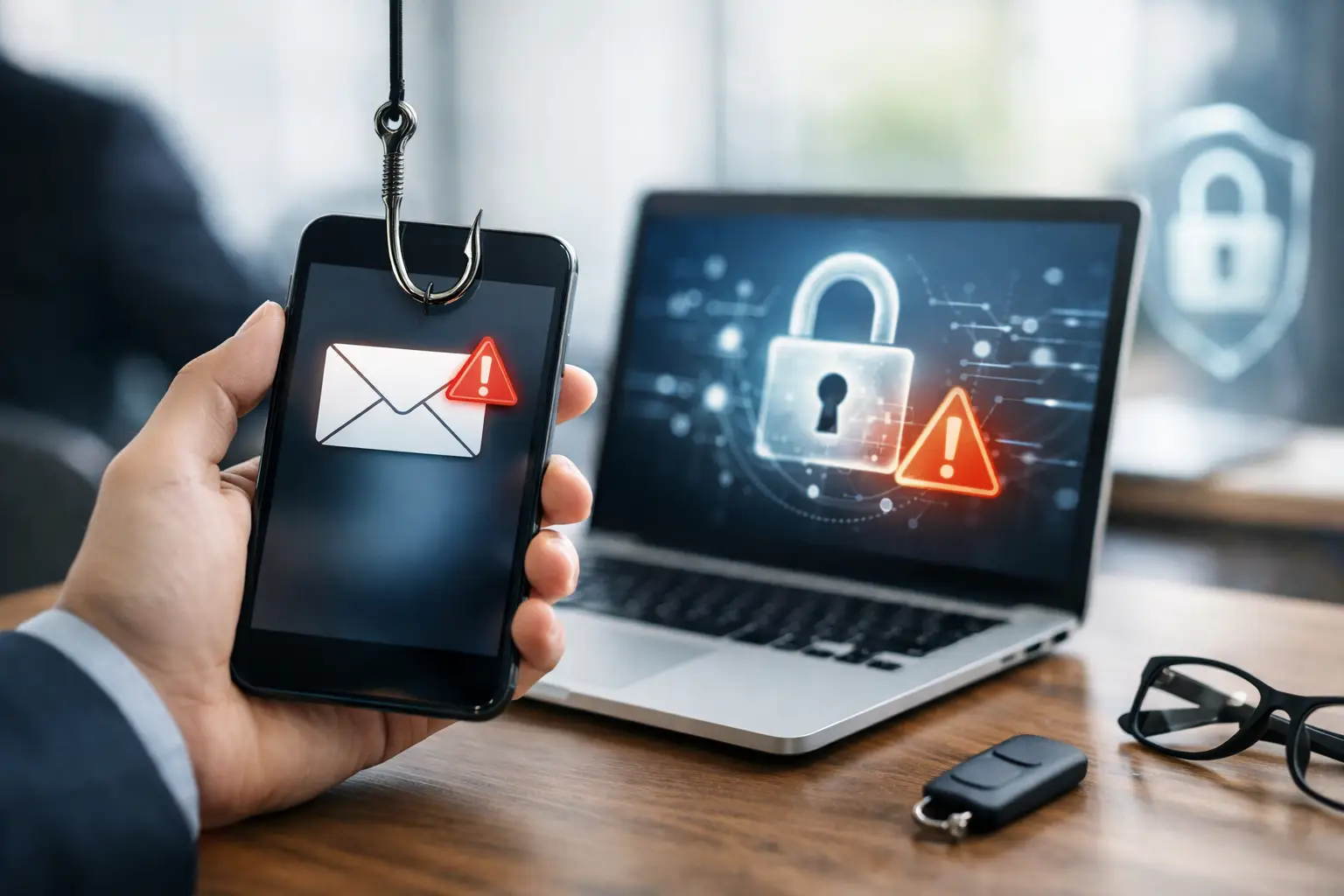
A QR code in an email can move a phishing attempt from a managed workstation to an employee’s personal mobile phone in seconds. That change of device is precisely why quishing attack prevention strategies need to extend beyond conventional email filtering. The message may be delivered to Microsoft 365, but the malicious site, credential capture and follow-on fraud often happen outside the controls normally applied to the corporate browser.
Quishing - QR-code phishing - is not a separate problem from phishing. It is an evasive delivery technique that exploits user trust in QR codes and the limitations of many security tools. Effective prevention requires the same operational discipline as any email-borne social-engineering threat: prepare users, enable reporting, triage quickly, remediate at scale and use incident data to improve defences.
Why quishing creates a difficult detection gap
A traditional phishing email usually contains a visible URL. Secure email gateways, Microsoft 365 controls and analysts can inspect the destination, reputation and wording around it. A QR code replaces that link with an image. The destination may be obscured from some automated controls, while the recipient is encouraged to scan it with a phone that may not have the same protections as their work device.
Attackers commonly impersonate Microsoft, a payroll provider, a document-sharing service or a senior colleague. The email may claim that the recipient must scan a code to view a secure document, reactivate multi-factor authentication or approve a request. The wording is often brief and plausible because the QR code does the work of directing the victim away from the email environment.
This does not mean QR codes should be blocked indiscriminately. Many organisations use them legitimately for event registration, visitor management, device enrolment and customer communications. Prevention has to distinguish expected business use from suspicious delivery patterns, rather than creating a blanket control that staff will simply work around.
Build quishing prevention into the email workflow
The most effective quishing attack prevention strategies treat the QR code as one indicator in a wider phishing assessment. An email containing a QR code is not automatically malicious. Context matters: the sender, the business purpose, the request being made, the recipient group and whether the message is part of a wider campaign.
Improve inspection before delivery
Microsoft 365 protection should be configured to support layered inspection of inbound email, including messages with embedded images, attachments and suspicious sender characteristics. Image and QR-code analysis can provide useful additional coverage, but it should not be regarded as a complete control. QR codes can be embedded in PDFs, altered to evade recognition, or paired with benign-looking text from a compromised supplier account.
Controls should also reduce the likelihood that a stolen password becomes an account takeover. Conditional access, phishing-resistant authentication where appropriate, strong account monitoring and restrictions on risky sign-in activity limit the value of credentials captured through a quishing page. These measures do not stop every scan, but they can prevent a single user action becoming a material incident.
Security teams should review whether mobile devices used for business access are covered by appropriate mobile application management, browser protections and conditional access policies. The right design depends on the organisation’s bring-your-own-device policy, sector obligations and tolerance for managing personal devices. For many organisations, clear user guidance and identity controls will be more proportionate than attempting to manage every personal handset.
Give employees a safe alternative to scanning
Users need a simple instruction they can apply under pressure: do not scan a QR code in an unexpected email to sign in, approve authentication, access a document or resolve an account issue. Instead, they should navigate to the known service directly using their normal route, such as the approved Microsoft 365 portal or supplier application.
Training should use realistic scenarios, not only generic warnings about QR codes. A finance team may receive a fake invoice-approval request; a university employee may be asked to scan for access to a shared document; a local authority user may see a spoofed password-expiry notice. The learning objective is to help people identify the risky request and choose a safer path, even when the sender and branding appear credible.
Simulated phishing exercises can test this behaviour, provided they are used to improve decision-making rather than simply measure failure. Track whether employees report the message, how quickly they do so and which themes create uncertainty. Repeatedly targeting the same group with punitive messaging may suppress reporting - the opposite of the desired operational outcome.
Make reporting immediate and familiar
When a user receives a suspicious QR-code email, they should not have to forward it manually, take a screenshot or decide which security mailbox to use. An Outlook reporting button provides a consistent route to submit the original message with the information investigators need.
The reporting process must also make clear that employees should report a message even if they have already scanned the code. Early reporting is valuable because the same campaign may have reached hundreds of inboxes. It also allows the security team to assess whether credential entry, MFA approval or a malicious download occurred, then take proportionate containment action.
Positive feedback matters. Users who report suspicious messages should know their action helped protect colleagues. If reporting appears to disappear into a queue with no acknowledgement or visible outcome, participation falls over time.
Triage QR-code phishing at campaign speed
A reported quishing email should enter a defined phishing triage process, not an unstructured shared mailbox. Analysts need to establish the destination encoded in the QR code, inspect redirects and hosted content safely, assess the sender and delivery scope, and identify whether the message forms part of an active campaign.
The initial decision is rarely just malicious or benign. A message may be suspicious but inconclusive, a legitimate communication from a supplier with poor email hygiene, or a confirmed credential-harvesting attempt. Clear triage categories and escalation paths help analysts make consistent decisions and preserve evidence where an incident requires further investigation.
For confirmed threats, response should move quickly from analysis to remediation. Search for matching emails across Microsoft 365 mailboxes, remove malicious copies where possible, block known indicators according to the organisation’s controls and identify recipients who interacted with the campaign. If credentials may have been entered, the response may include password reset, session revocation, review of sign-in logs and checks for mailbox-rule changes or suspicious OAuth consent.
Speed is significant, but accuracy is equally important. Overly broad remediation can remove legitimate supplier messages and disrupt business activity. Conversely, waiting for perfect certainty gives attackers more time. Security teams should agree decision thresholds in advance, especially for high-risk themes such as payroll, payment changes and MFA prompts.
Use real reports to strengthen defences
Quishing campaigns provide useful threat intelligence. Review which departments are targeted, what services are impersonated, whether particular QR-code layouts recur and how long it takes from delivery to first user report. These measures reveal more than awareness levels. They show how effectively the organisation’s human reporting and response workflow performs under real conditions.
This intelligence should feed back into email controls, training content and incident playbooks. If attackers repeatedly pose as a specific document-sharing platform, tailor guidance to that workflow and check whether legitimate communications from the platform can be made easier to recognise. If employees scan codes because they are trying to complete urgent tasks on mobile, examine the business process that makes the request appear normal.
For regulated organisations, documenting this lifecycle also supports assurance. Evidence of training, reporting, triage decisions, remediation actions and lessons learned demonstrates that phishing risk is being actively managed rather than treated as a once-a-year awareness exercise.
A practical operating model for QR-code threats
Quishing is most effectively managed as part of human risk management, not as an isolated QR-code control. The necessary capabilities are straightforward in principle: users who recognise uncertainty and report it; Microsoft 365 protections that reduce exposure; analysts who can investigate at volume; and a response process that removes malicious messages before a campaign spreads.
The balance will differ between organisations. A financial services firm handling high-value payments may require tighter mobile access controls and rapid incident escalation. An education provider may prioritise scalable reporting and campaign remediation across a large, diverse user base. In both cases, the aim is the same: make a QR code a prompt for verification, not an uninspected route around established phishing defences.
Wise Fish supports this operational approach by bringing employee reporting, phishing triage, remediation and threat intelligence into a connected phishing-security workflow. The most useful test of any quishing defence is not whether it can identify every image, but whether the organisation can turn the first suspicious report into fast, informed action that protects everyone else.